

로지톡 - LogiTalk
by 주식회사 지비티에스
로지톡 - LogiTalk
LogiTalk● LogiTalk is a business messenger service specialized in import/export logistics that enables conversations between the import/export shipper company and the person in charge of the logistics company without exchanging personal information such as phone numbers.
Shippers can easily search for and inquire about logistics companies through LogiTalk, and logistics companies have an opportunity to meet new shippers.
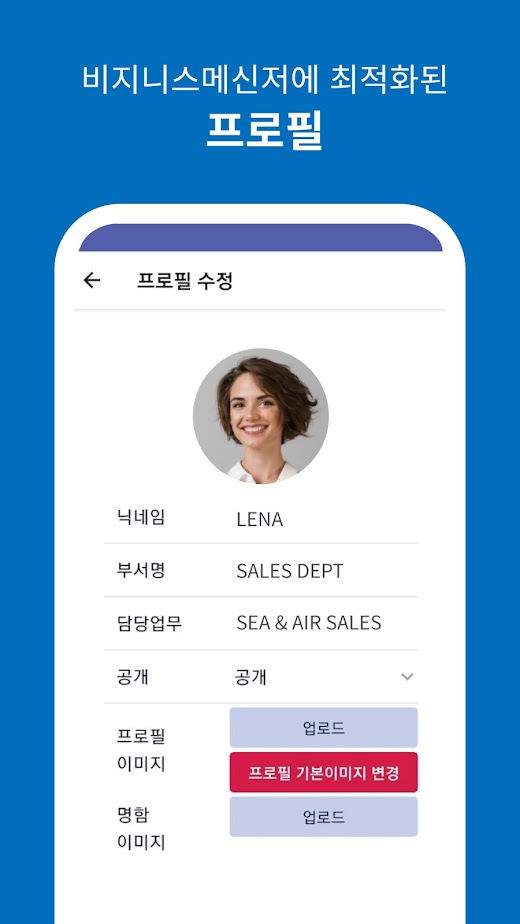
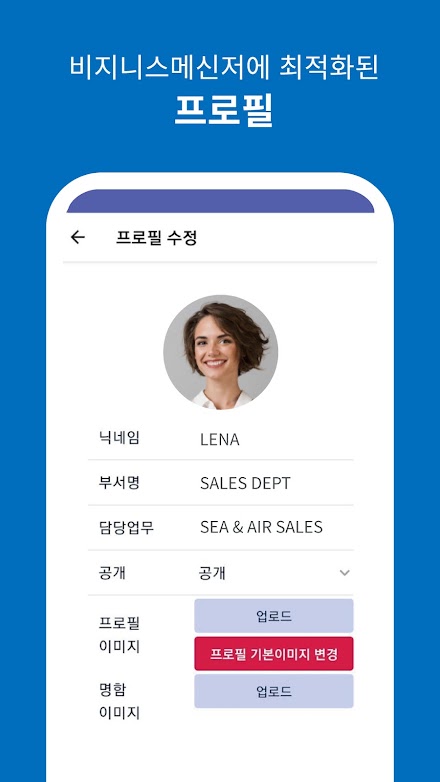
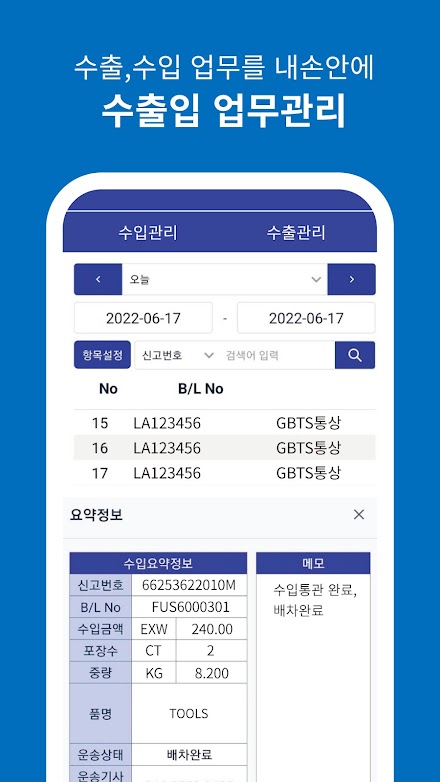
Increase work efficiency and protect privacy with LogiTalk, an essential app for import and export logistics.● Target (Users can be freely added and managed by signing up as a corporate member)- Sales and logistics manager for export shippers (about 100,000 companies)- Person in charge of purchasing and logistics for import shippers (about 200,000 companies)- Forwarder and shipping company sales and business manager (about 4,000 companies)- Person in charge of customs service (about 2,000 companies)- Bonded warehouse sales and business manager (about 2,000 companies)- Transport company sales and business manager- Cargo insurance company sales and business manager- Other overseas partner logistics companies - Available in English mode● Main functions- Chat & Multimedia transmission (photos, files, etc.)- Logistics company contact search (search for all member companies and users allowed to search)- Search shipper company conversation partner (search by entering company code and business registration number)- Export business, import business (export/import customs clearance and logistics progress information confirmation system linked with GBTS import/export ERP)- Alarm setting function (can be set to receive notifications only during business hours through push notification settings)- Language selection function (Korean as well as English mode can be selected)Access right information- Camera (transfer photos and upload profile photos)- Albums (transfer photos and upload profile photos)- Files (transfer and download PDF files)- Notifications (sending and receiving messages)Developer ContactEmail [email protected]: No.
220, 8, Huinbawi-ro 59beon-gil, Jung-gu, Incheon (Unseo-dong)privacy policyhttps://www.gbts.co.kr/Terms/privacyPolicy
About 로지톡 - LogiTalk
- Package name (App ID)
- kr.co.gbts.logitalk
- Available on
- Google Play
- Price
- Free
- Developer
- 주식회사 지비티에스
Looking for the 로지톡 - LogiTalk APK?
The safest way to get 로지톡 - LogiTalk (kr.co.gbts.logitalk) on your Android device is to install it directly from Google Play — you'll always get the latest official version, automatic updates, and no risk of modified or infected APK files from third-party sites.

Camera Features
Advanced camera features with editing capabilities.
Shopping Features
Shop online and find the best deals.
Smart Home
Control and monitor your home with smart features.
See 로지톡 - LogiTalk in Action

Frequently Asked Questions
Is 로지톡 - LogiTalk free?
Yes, 로지톡 - LogiTalk is free to download and install on Android through Google Play.
How do I install 로지톡 - LogiTalk on Android?
Open Google Play on your Android phone or tablet, search for 로지톡 - LogiTalk by 주식회사 지비티에스 or tap the Google Play button on this page, then tap Install. The app downloads and installs automatically.
What is kr.co.gbts.logitalk?
kr.co.gbts.logitalk is the App ID (package name) of 로지톡 - LogiTalk on Google Play. Every Android app has a unique package name, and it is the safest way to verify you are installing the official app.
Is 로지톡 - LogiTalk safe to download?
Installing 로지톡 - LogiTalk from Google Play is the safest option: you get the official version published by 주식회사 지비티에스, verified by Google Play Protect, with automatic updates. Avoid APK files from unofficial third-party sites.
Get 로지톡 - LogiTalk Today
로지톡 - LogiTalk for Android — free download on Google Play.
Compatible with Android phones and tablets — available on Google Play.
Ask AI about this app
Get instant answers about features, tips and more from popular AI assistants.